Doro 8100 - Easy to use. Easy to love.
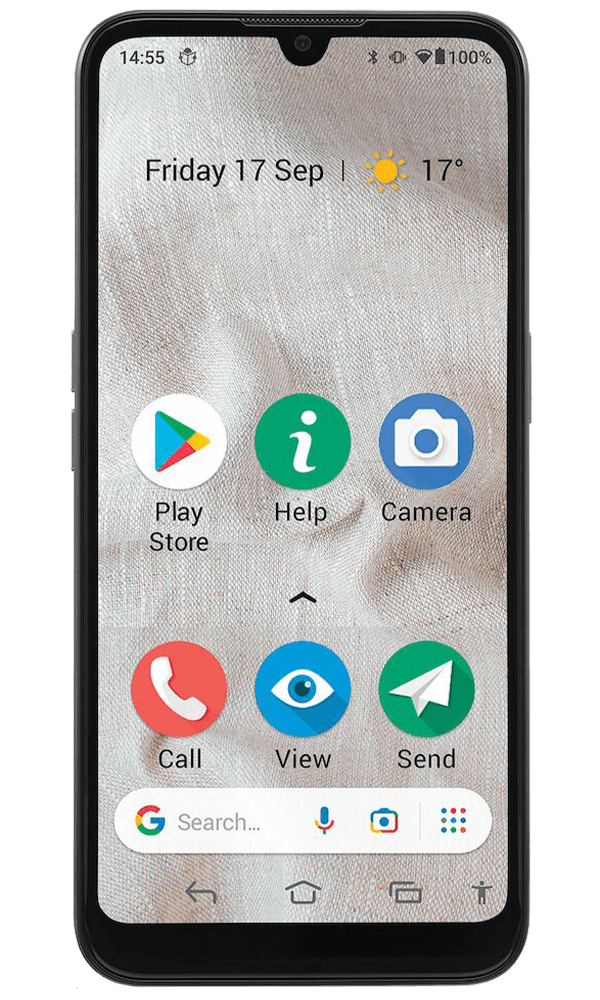
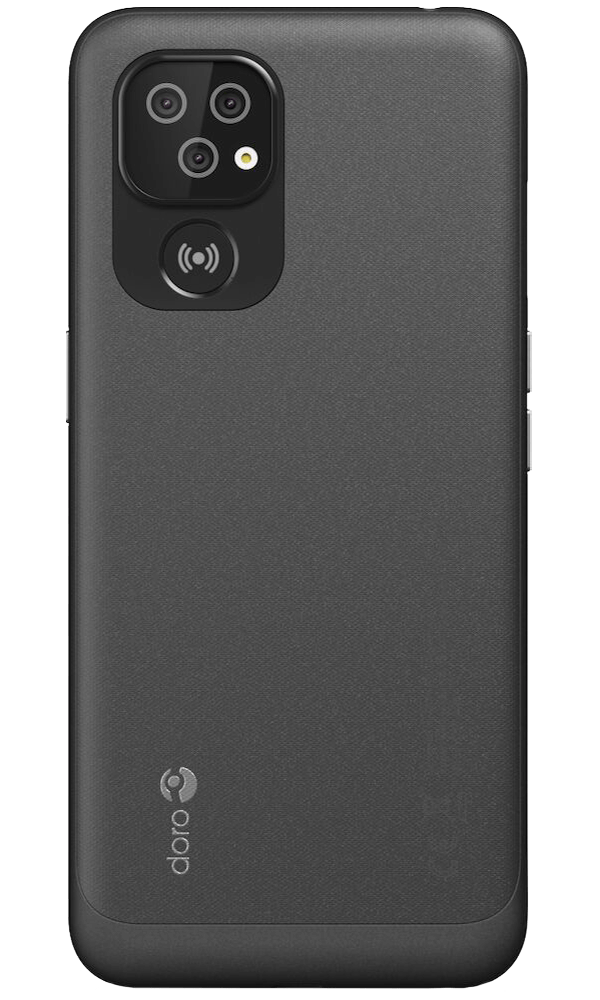
The Doro 8100 is exceptionally easy to use - developed for those in search of a stylish, safe and simple smartphone, one that does everything any other smartphone will do - just easier! All with enhanced, loud and clear sound for calls wherever you are, triple lens camera for taking incredible photos, and a Response by Doro powered assistance button for added security. A reassuring and enjoyable device, be it for making calls, sending WhatsApp's, video calls, social media or playing your favourite online game.
EVA - making technology fun, available and easy for everyone
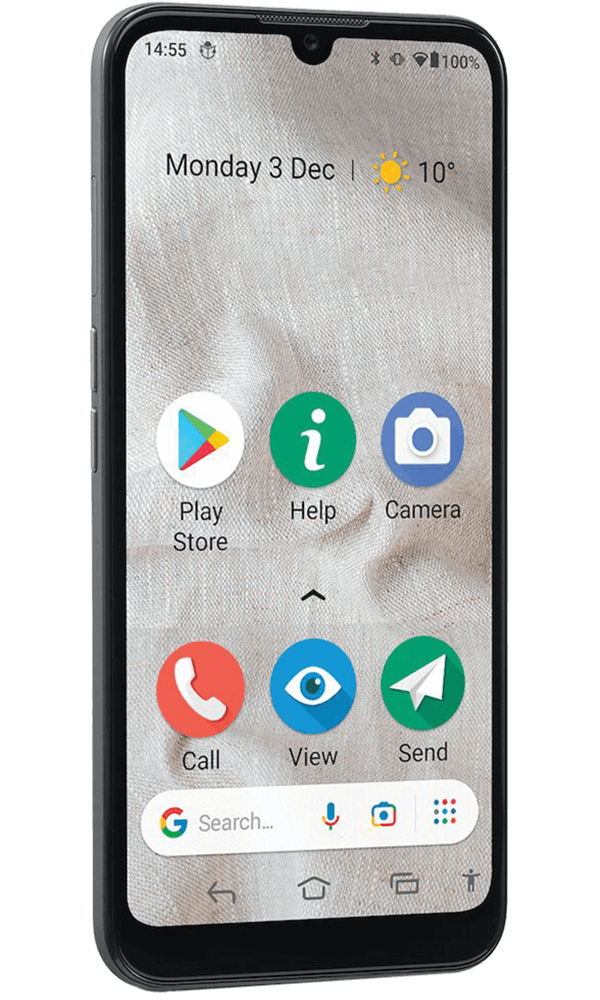
Our intuitive interface, EVA, takes simplicity to the next level. EVA gives you clear choices such as Call, View, Send and Search to guide you through the most commonly used actions. To view a new message received, simply press 'view' and EVA will direct you. Tailor the Doro 8100 to suit you, by changing the font size in menus as well as messages, number of icons, and their display sizes to easily find what you're looking for.

Triple lens camera
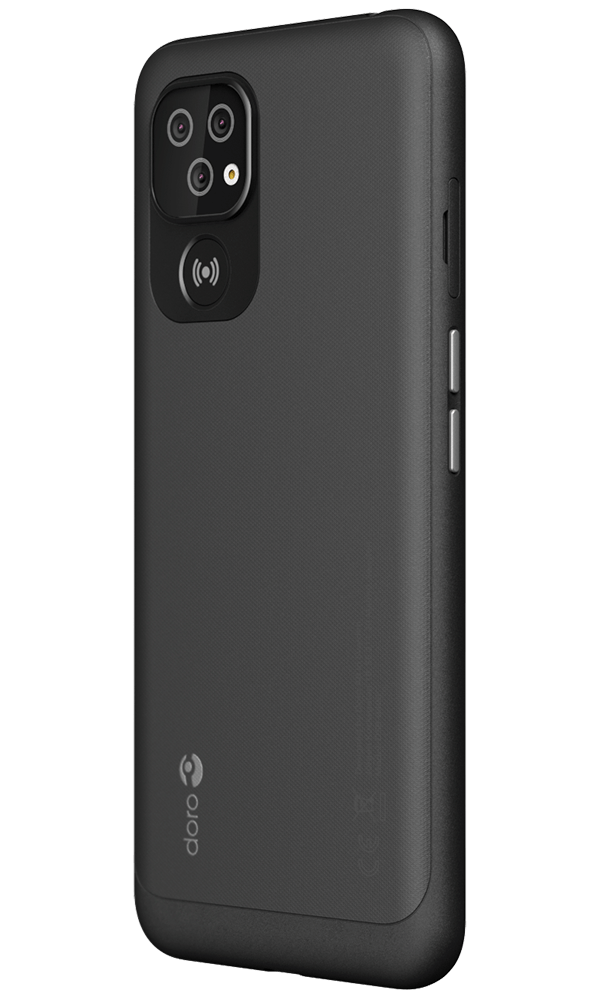
With a customised menu structure, the triple lens camera and crisp display make taking and sharing photos and videos pure joy! The menu prioritises the main modes, photo and video, and then easily highlights the additional modes such as macro (to capture even more detail) and portrait for taking beautiful pictures with the soft 'bokeh' background. The camera also features an integrated QR code reader and night mode for low light shots.

Dedicated assistance button
Ensure you can contact your family and friends quickly and easily whenever you need to - by adding your contacts to our Response by Doro app. When you press the assistance button, your circle of care will all be notified with an alert on their smartphone, along with your location. This is sent to them all at the same time allowing one to take control and speak to you immediately. Relatives and friends are also able to help with adjusting settings from their app wherever they are, such as the screen brightness, call volume and text size.

Team Viewer QuickSupport
We have pre-installed the TeamViewer QuickSupport app, allowing you to give the ID code to a trusted family member who can then log in and take control of your smartphone remotely to troubleshoot any questions or issues you are experiencing. You can watch what they are doing from the comfort of your own home. Once you are sorted, the session is logged out, and the device is securely yours again. An ID code is needed each time to log in.

Charge with ease
Charge the device effortlessly, thanks to the charging cradle included in the box. It comes with an insert, which allows you to continue to use it should you opt to use a Doro case to protect the handset. The cradle is perfect for holding the phone whilst making video calls, allowing you to keep your hands free and relax whilst talking to loved ones.